
PROJECT PREVIEW
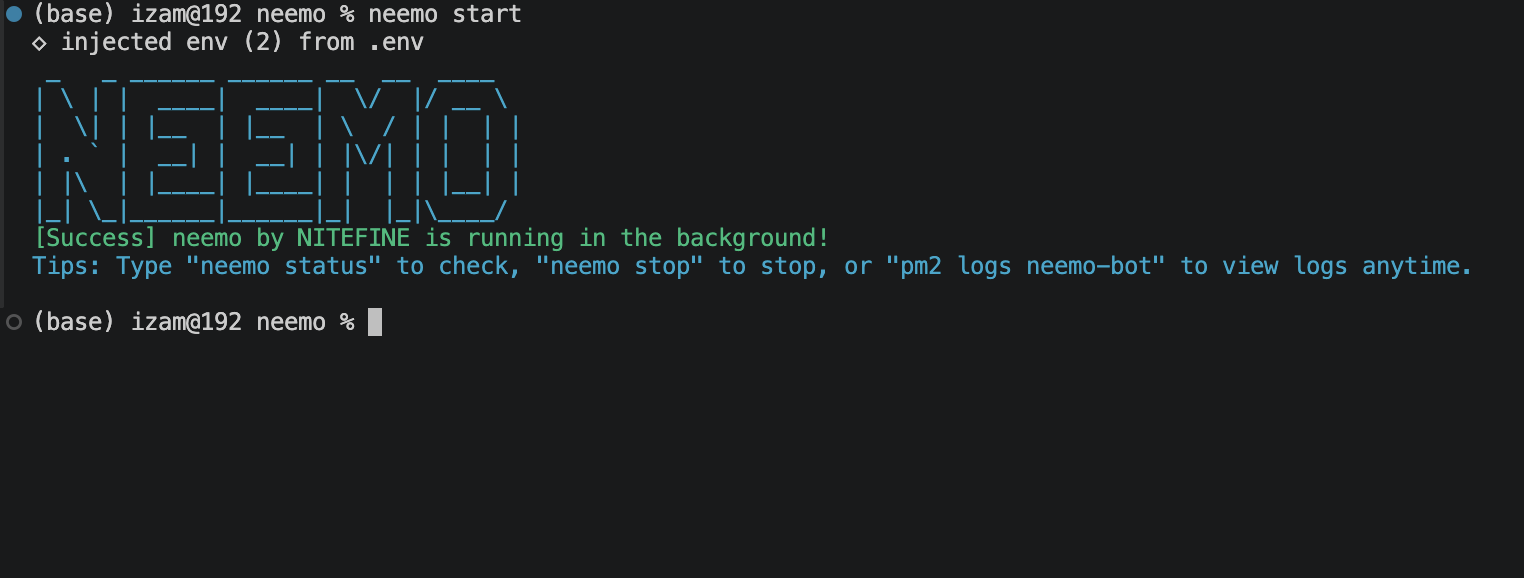
✨ CORE FEATURES
01
Bidirectional Quoting
Maps user-to-admin and admin-to-user replies accurately, including multi-media support (photos, documents, stickers).
02
PM2 Background Daemon
Run your bot continuously in the background using PM2 so your terminal remains free for other tasks.
03
Live Auto-Reloading
Automatically detects source code changes (src/) and hot-reloads the bot process without missing a beat.
04
Interactive Setup
Guides new users through setting up their Bot Token and Admin IDs into a clean configuration file automatically.
🚀 INSTALLATION
Install Neemo globally straight from the npm registry using your terminal:
npm install -g @nitefine/neemo🕹️ CLI COMMAND REFERENCE
| Command | Description | Example |
|---|---|---|
neemo start |
Starts the bot in the background via PM2 with live auto-reload. |
neemo start
|
neemo stop |
Stops and terminates the background Neemo bot process. |
neemo stop
|
neemo status |
Checks the live running status and process information. |
neemo status
|
neemo add |
Adds a new Telegram ID to the admin/CS authorization list. |
neemo add -u 123456789
|
neemo remove |
Removes a Telegram ID from the admin/CS list. |
neemo remove -u 123456789
|
neemo admins |
Displays a list of all currently registered admin Telegram IDs. |
neemo admins
|
neemo token |
Displays the currently configured Telegram Bot Token. |
neemo token
|
neemo clean |
Cleans up old message mapping database records older than X days. |
neemo clean -d 3
|